AppleAppIcon, iconset, ICNS and 1024 px master
20+ files IconBeastWEB FREE
One image. Every app icon. Ready for your project.
Preview it in real system contexts, then export the correct folders, sizes and manifests in one click — no Photoshop and no size hunting.
02 · EDIT ONCE
Every adjustment updates every preview.
Change scale, framing, corner treatment, and background once. Safe zones and small-size checks keep the mark readable everywhere.
Icon modeFinished icon⌄
Position
FitFill
Horizontal offset−18%+18%
Vertical offset−12%+12%
Frame
Inset0%Corners22%ShadowOFF
X−18Y+12
1289672564028SYSTEM CONTEXTYour icon beside the apps people already know
◉♪›_
♪›_⊞⌕◆✉
◆✉17◒◉⌁☀◷▤
◷▤Every download follows platform conventions, uses the correct pixel dimensions, and includes a readable manifest so it can move straight into your project.
AndroidAdaptive layers, legacy densities and Play asset
15+ filesWindowsMulti-frame ICO and scaled PNG resources
22 filesTHE DESKTOP DIFFERENCE
Your icon stops being a mockup. It becomes IconBeast’s own system icon.
Apply the current design to IconBeast itself and inspect it in the real Dock and Finder. Change the app label in the editor and every live system preview updates instantly.
- ✓Real system-context previews
- ✓Live app name in every preview
- ✓Unlimited desktop exports
- ✓Lifetime license for one device
Lifetime license · 5 USDT1 Mac · every future update · no subscription
Buy for 5 USDTMaster1024 × 1024
1024 × 1024APPLY
MAC · WINDOWS · IPHONE · ANDROID
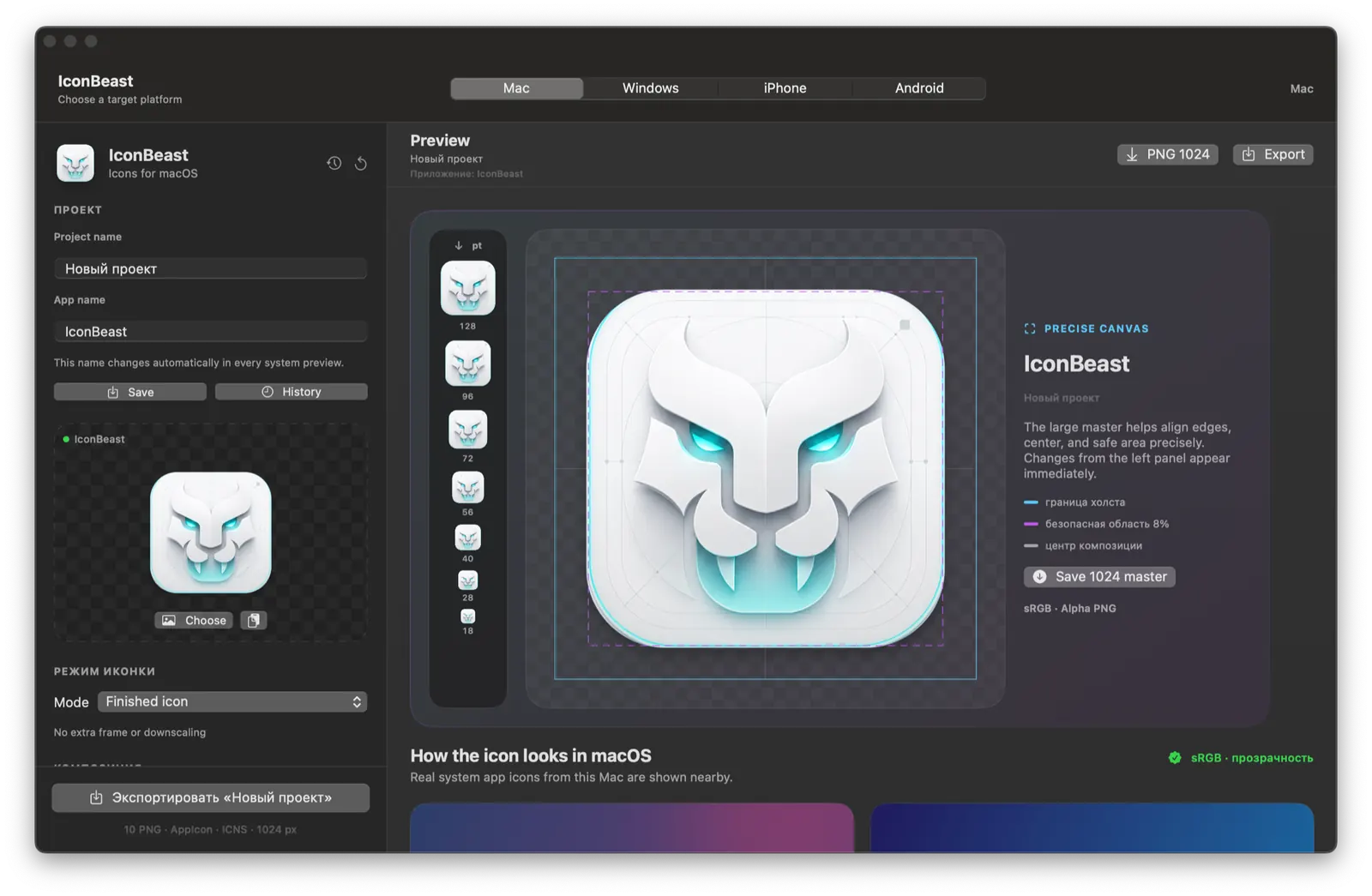
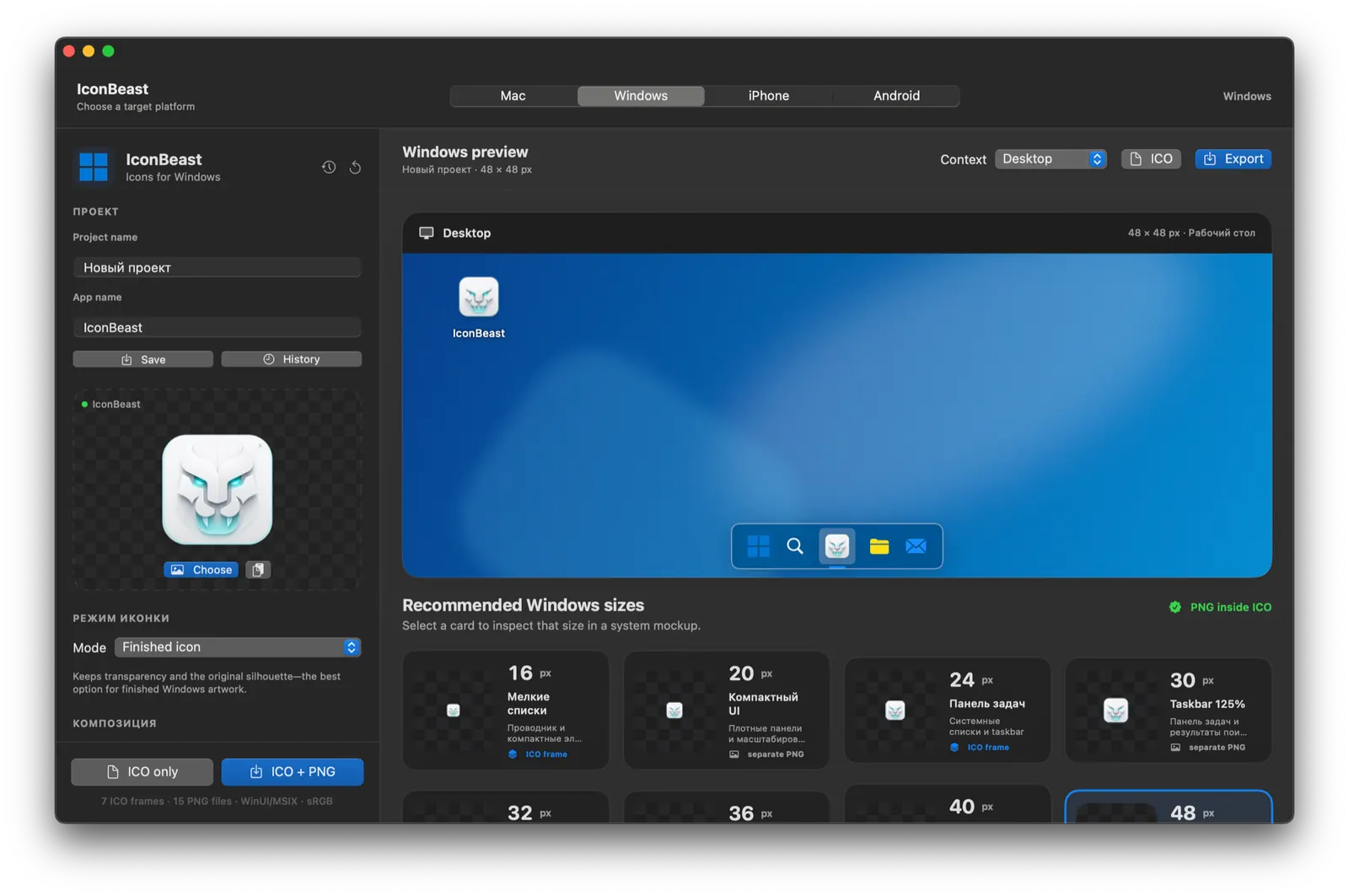
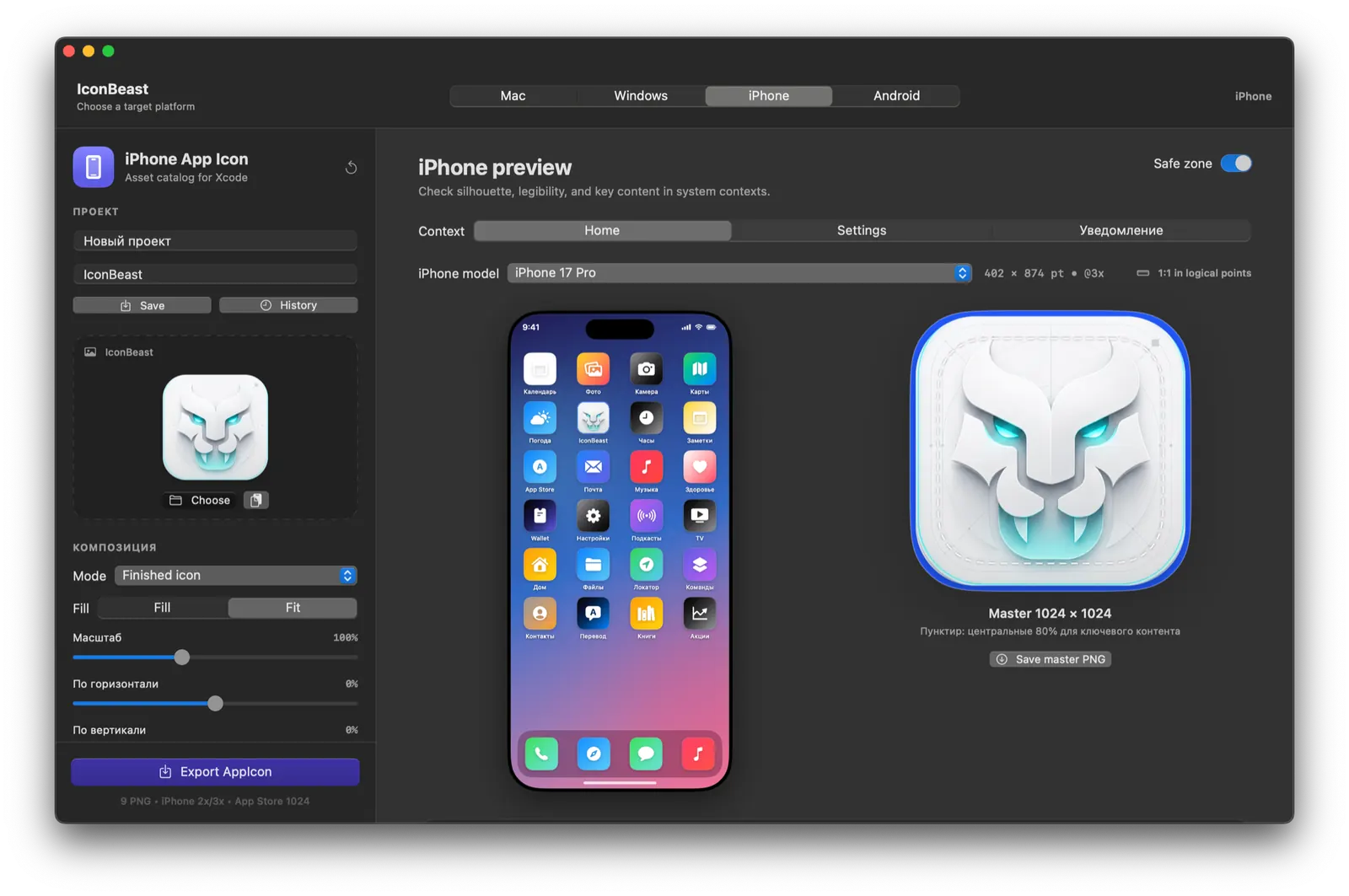
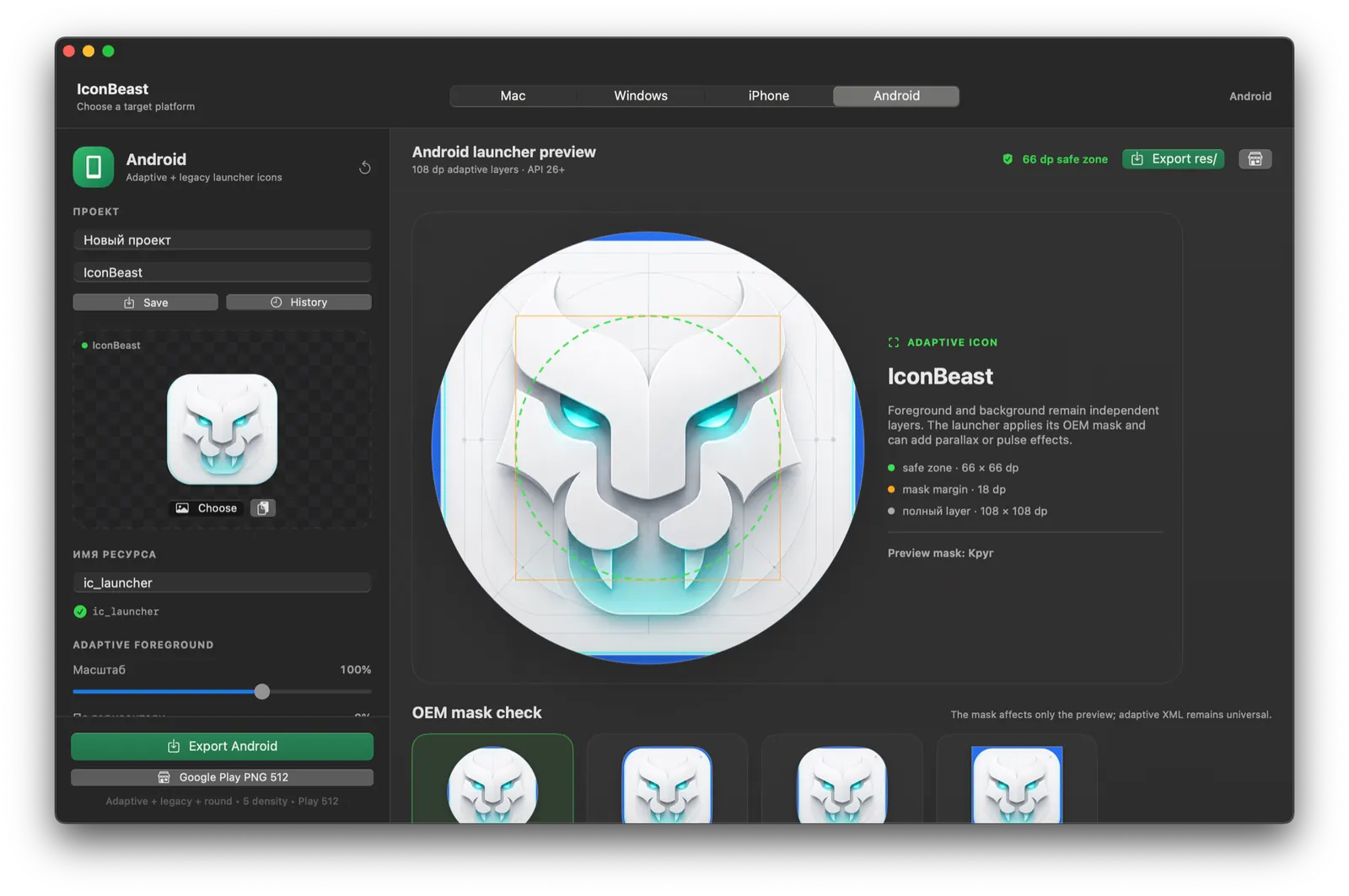
One project. Four native workspaces.
Every screen below is captured from the working app.
01 · SOURCESwitch platforms without rebuilding the icon. Each workspace exposes the preview and rules that matter on that system.
Switch platforms without rebuilding the icon. Each workspace exposes the preview and rules that matter on that system.READY FOR A REPOSITORY
A complete icon project, not a folder of mystery PNGs.
Every export follows the platform structure. Drop it into your project or give the package to an AI coding agent — the files and manifests make the intended integration clear.
AI“Add this IconBeast package to my app and apply every platform icon.”Free web version↗
▾ MyApp/
▾ Apple/
▾ iPhone/
◇ AppIcon.appiconset/
Contents.json
Icon-60@3x.png
▾ macOS/
◇ AppIcon.iconset/
AppIcon.icns
▾ Android/
◇ res/mipmap-xxxhdpi/
ic_launcher.png
▾ Windows/
MyApp.ico
✓ iconbeast-package.json
✓ README.md + CODEX.md
CHOOSE YOUR WORKFLOW
Use the web editor free or own the full Mac app for 5 USDT.
IconBeast Web
The full editor and every platform preview. Three complete exports every day. No signup.
- ✓ macOS, iOS, Android, Windows
- ✓ No account
- ✓ Image stays in your browser
IconBeast Desktop
Native previews, saved history, unlimited exports, and every future update. One payment, no subscription.
- ✓ Real system-context previews
- ✓ Live app name in every preview
- ✓ Unlimited desktop exports
Lifetime license · 5 USDT1 Mac · every future update · no subscription
Buy for 5 USDTBUILT TO BE BORINGLY SAFE
Your source image stays yours.
- 01Image editing happens locally in your browser
- 02Passwordless email or Google keeps your paid download private
- 03Cryptomus processes the USDT payment securely
- 04Export packages are built on your device
Questions, answered.
Is the web editor really free?+
Yes. No account is needed. Every IP address gets three complete export packages per UTC day.
Which formats does IconBeast export?+
Every web export is one complete package: iPhone AppIcon assets, macOS iconset and native ICNS, Android resources, Windows ICO and platform PNG sets.
When do I need an account?+
You never need a password or license key. For a desktop purchase, use a verified email link or Google so you can recover the download and future updates.
How much is IconBeast Desktop?+
A lifetime license costs 5 USDT once, covers one selected platform on one Mac or Windows PC, includes unlimited exports and future updates, and has no subscription.
ICONBEAST
Make the icon people remember.
One master. Four platforms. Every important size.